2.5. Financial Tracker
The Financial Tracker is a Google Sheets document containing the financial summary, budget, amounts under procurement, amounts under commitment, disbursed amounts, and expenditure within the SCRP.
This guide shows how the PIU can:
Access the tracker
Add, Edit, and Delete records
Export the financial data
2.5.1. Accessing The Financial Tracker
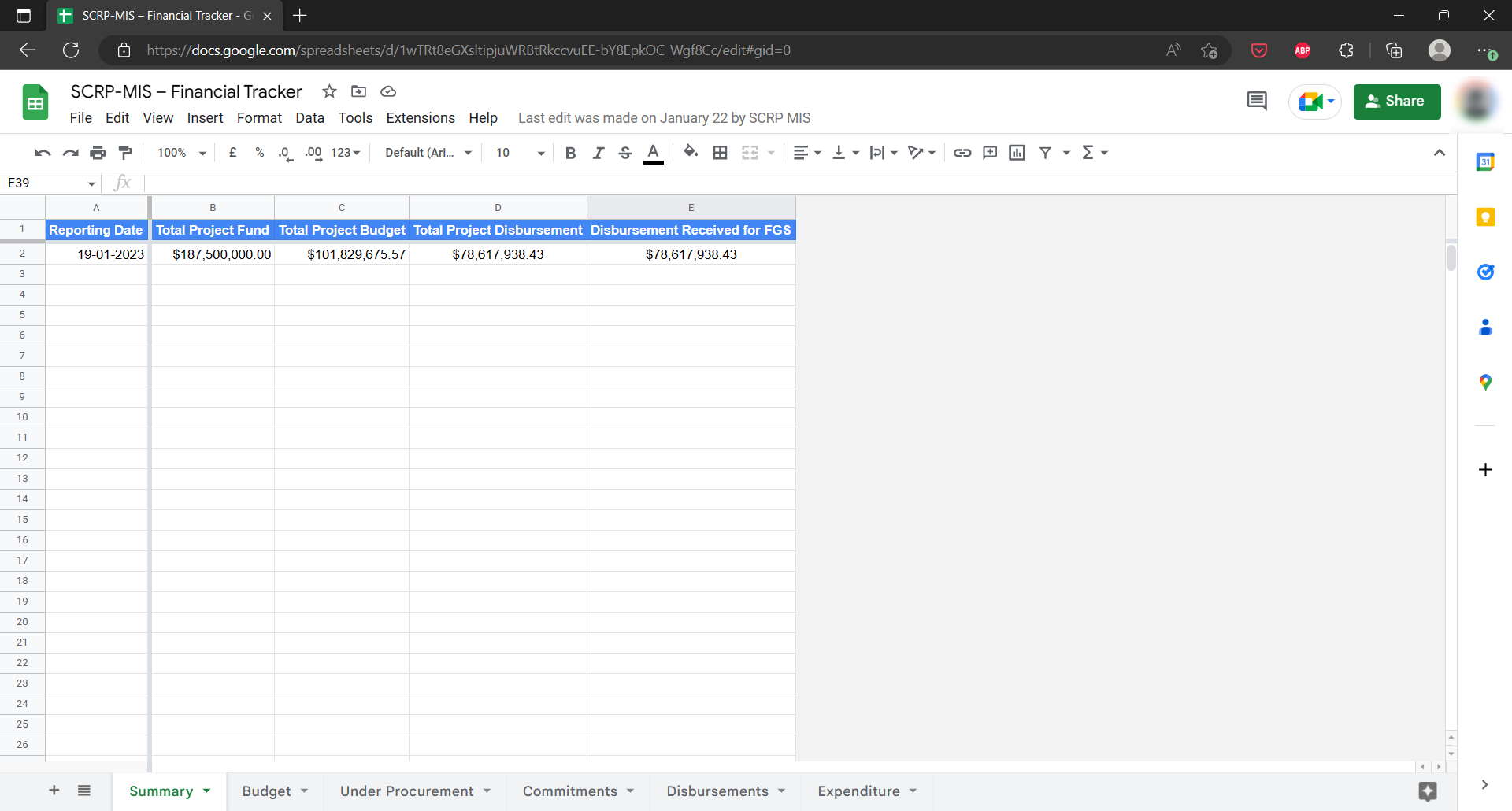
Use the link below to access the Financial Tracker:
Please note that you need access rights from the PIU MIS Administrator to view the tracker.
2.5.2. Adding, Editing, and Deleting Records
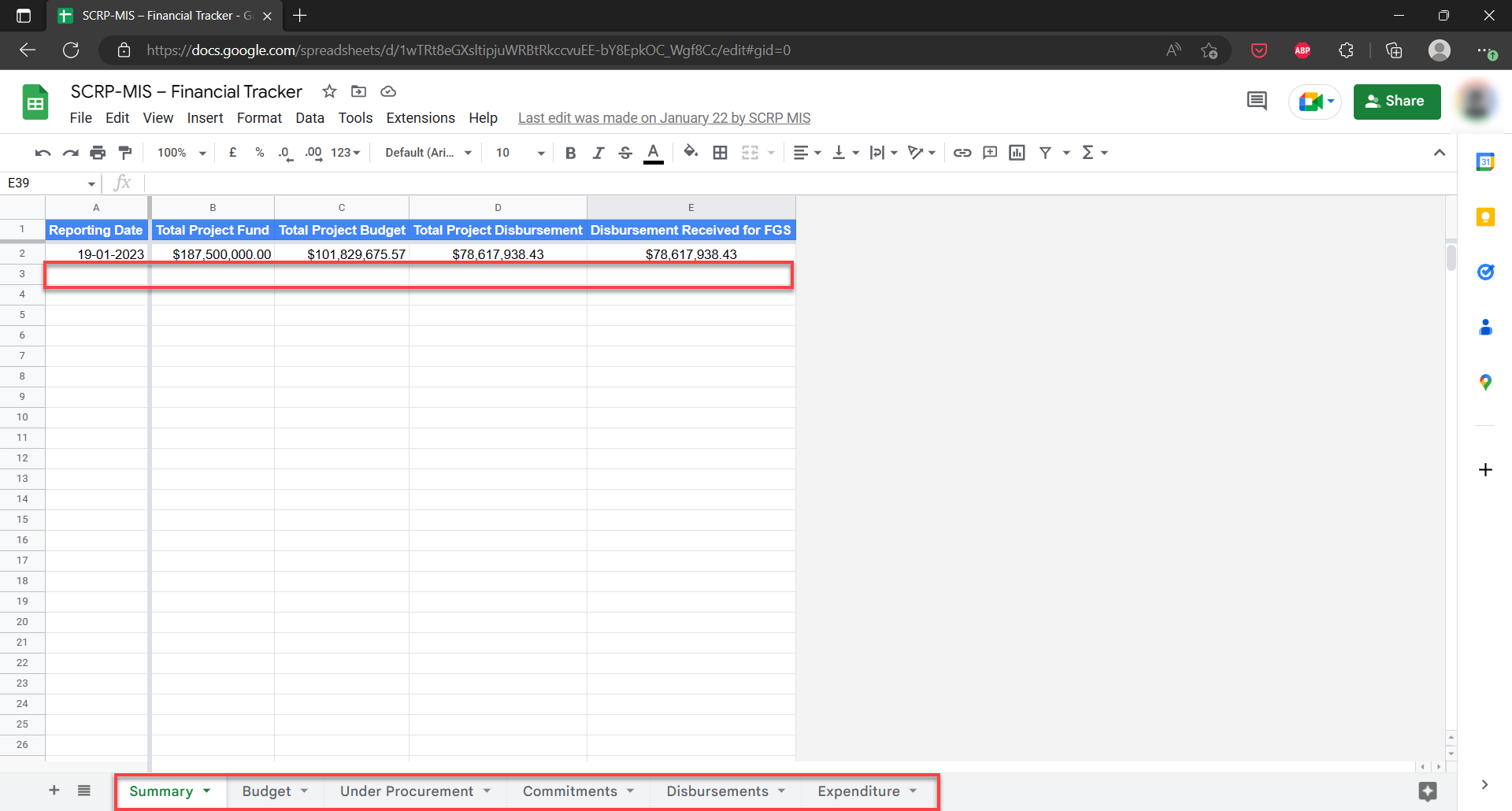
The Financial Tracker has 6 work sheets that track different aspects:
Summary
Budget
Under Procurement
Commitments
Disbursements
Expenditures
To get started on data entry/editing or deleting of records, do the following:
Select the summary sheet and enter data on the first empty row after the column headers
Edit data by selecting the specific cell you wish to Update
Click on any of the other worksheets and enter/edit component data
To delete data, you can either select a single cell or the entire row and hit the delete button
2.5.3. Exporting Financial Data

Access the Financial Tracker
Select “File” > “Download” from the navigation menu on Google Sheets
Choose the data format you want to begin download